Editorial
What’s slowing your Windows 11 PC? Copilot can now help

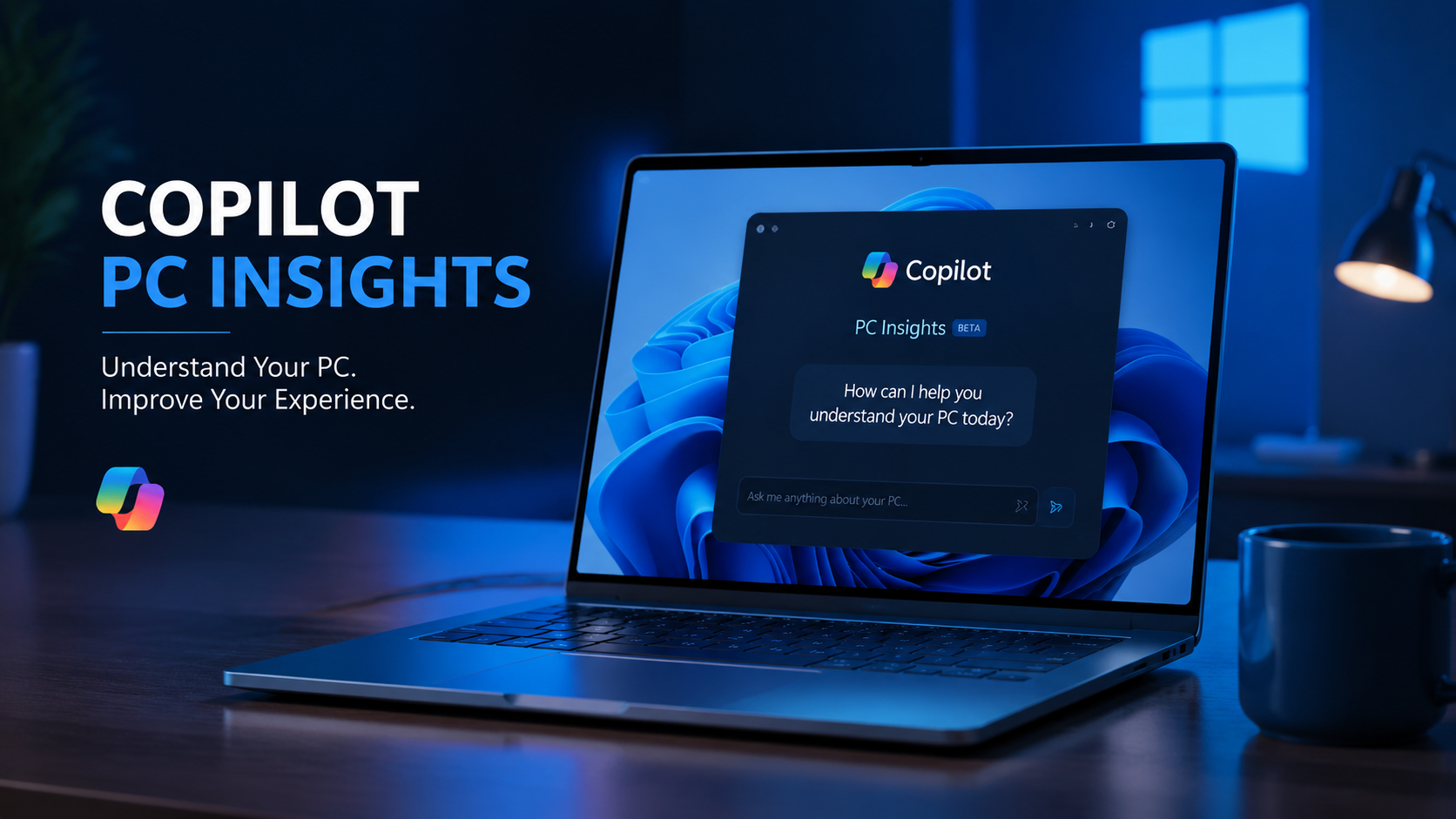
ISLAMABAD – Microsoft is testing a new Copilot feature that can help Windows 11 users understand their computer’s performance. The experimental feature, called PC Insights, allows Copilot to analyze hardware details, storage information and system resources in simple language.
Unlike traditional tools such as Task Manager and Windows Settings, PC Insights allows users to ask direct questions about their computer. For example, users can ask what is consuming CPU power, how much storage remains or which devices are connected.
However, the feature is still in an experimental phase, and Microsoft has warned that some answers may occasionally be incomplete or inaccurate.
Microsoft Copilot PC Insights: Feature Overview
| Feature | Details |
| Name | PC Insights |
| Platform | Windows 11 Copilot |
| Purpose | Explains PC hardware and performance |
| Access | Read-only (Cannot change settings) |
| Permission | Required (User must opt-in) |
| Status | Experimental rollout |
How Copilot Can Check Your Windows 11 PC
Previously, users had to manually search through different Windows menus to find information about their devices. Now, PC Insights brings these details together through Copilot.
For instance, users can ask:
- Which graphics card is installed?
- How much CPU power is currently being used?
- Is there enough storage for a large game?
- Which external devices are connected?
After receiving permission, Copilot retrieves the relevant information and explains it in an easier format.
Additionally, the feature can compare local PC information with online data. For example, it can check available storage against the requirements of a game and tell users whether they need more space.
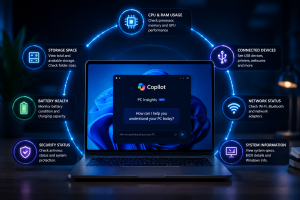
This Image is Ai generated and used for Illustration purposes only.
What Information Can PC Insights Access?
According to Microsoft and reports from Windows Latest, PC Insights can provide details about several parts of a computer.
These include:
- CPU, RAM and GPU usage
- Available storage space
- Folder sizes, including Downloads and Documents
- BIOS and system specifications
- Battery health information
- Antivirus status
- USB devices and external drives
- Printers, webcams and other connected hardware
- Wi-Fi, Bluetooth and network adapters
Furthermore, Copilot can combine this information to provide a clearer picture of overall system performance.
Users Must Approve Access Before Copilot Checks Information
Microsoft says PC Insights does not automatically access a computer’s system details. Instead, users must first provide permission.
Users can select different access options:
| Permission | Explanation |
| Allow for current session | Gives temporary access until Copilot closes or the PC restarts |
| Always allow | Approves similar requests in the future |
| Deny | Blocks access to system information |
Meanwhile, Microsoft says the feature does not continuously monitor computers in the background.
Users can also change or remove permissions later through Copilot’s privacy settings.
Microsoft Says Personal Data Is Not Used for AI Training
Microsoft has stated that PC Insights does not store personal files or use private system information to train its AI models.
However, Copilot conversations, including user prompts and responses, may be used to improve AI services depending on individual privacy settings.
Therefore, users should review their Copilot privacy options if they have concerns about data usage.
Copilot’s Own RAM Usage Creates Concerns
While PC Insights aims to help users understand their computers, the Copilot application itself has attracted attention because of its memory consumption.
According to Windows Latest testing, Copilot used around 800MB of RAM and approached 1GB on a computer with 32GB of memory, even when the app was not actively performing tasks.
However, this was only one test on a specific system. As a result, actual memory usage may differ depending on the device, Windows version and Copilot activity.
Microsoft has not published official details about average Copilot RAM usage.
New Copilot App Uses Web-Based Technology
In addition to PC Insights, reports suggest that Microsoft’s latest Copilot application relies heavily on web technology.
The app reportedly includes Microsoft Edge and Chromium components to support browsing-related features.
Because of this, some users may notice separate Copilot and browser-related processes appearing in Windows Task Manager.
Previously, Microsoft offered a more native Windows-based Copilot experience. However, the company has moved toward a web-based structure as it expands Copilot’s online capabilities.
Copilot Can Explain Issues But Cannot Fix Them Yet
Currently, PC Insights only provides read-only access to system information.
Although Copilot can explain problems and suggest possible solutions, it cannot make automatic changes.
For example, Copilot cannot:
- Change Windows settings automatically
- Delete unnecessary files
- Run repair tools
- Fix performance problems independently
Instead, users must manually follow the recommended steps.
Why PC Insights Could Matter for Windows Users
Overall, PC Insights could make computer troubleshooting easier, especially for people who are unfamiliar with advanced Windows tools.
At the same time, Microsoft will need to address concerns about Copilot’s own resource usage and ensure users understand how their information is handled.
As AI becomes more integrated into operating systems, features like PC Insights could change how users manage and understand their computers.
Key Points :
- Microsoft is testing PC Insights, a new Copilot feature for Windows 11.
- The tool can explain CPU, RAM, GPU, storage and connected device information.
- Users must approve access before Copilot can view system details.
- Microsoft says personal files are not used for AI model training.
- Copilot cannot automatically repair Windows problems yet.
- Early testing suggests Copilot itself may use significant RAM.
- The feature could simplify PC troubleshooting for everyday users.
READ MORE ARTICLES LIKES THESE :
Stay Connected with Upfront
Get the latest news, technology, business, sports and entertainment stories from Upfront.
Add Upfront as a preferred source on GoogleAdd Upfront to your preferred sources to see more of our stories across Google Search.