Sci&Tech
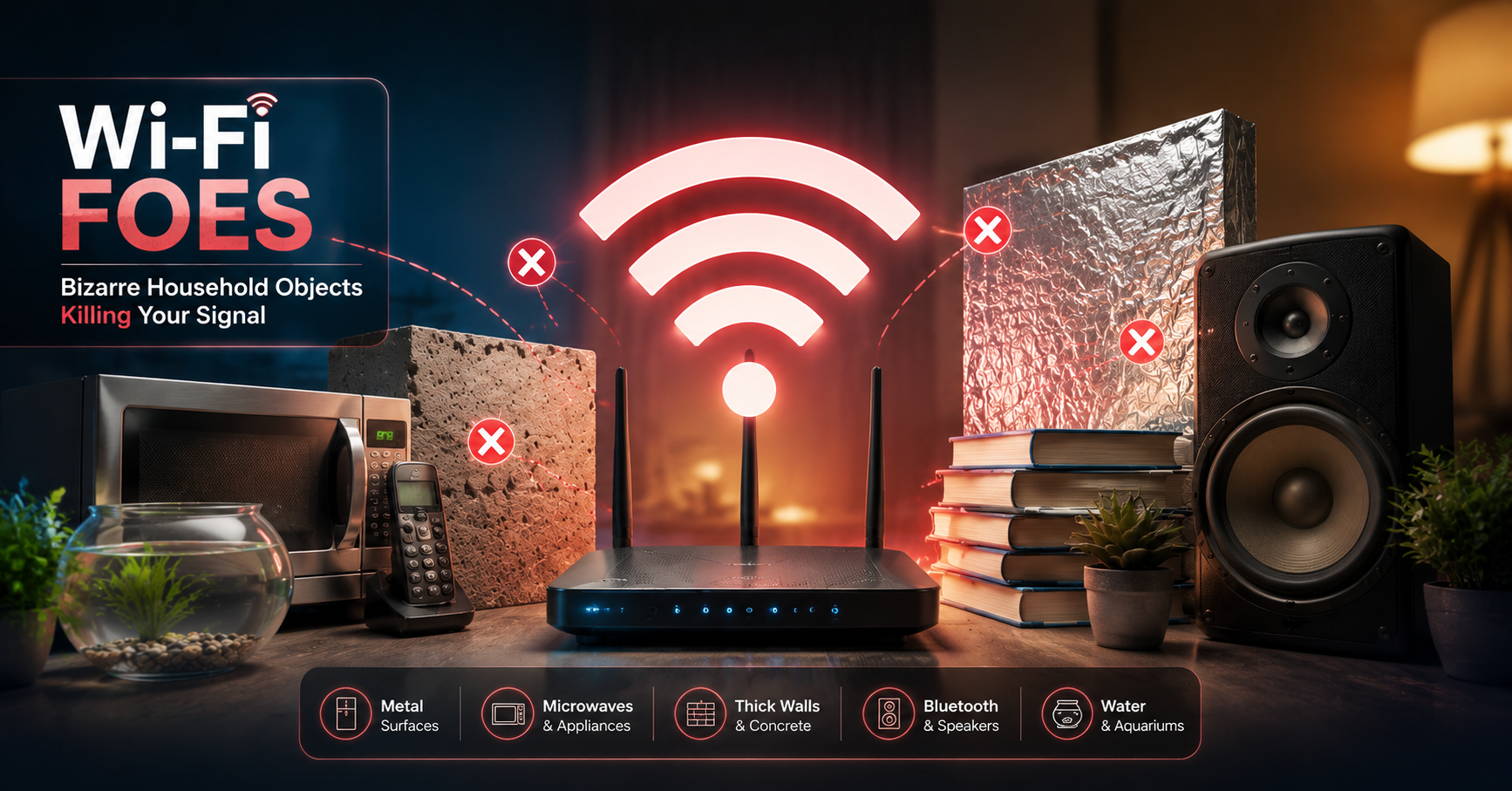
Wi-Fi Foes: Bizarre Household Objects Killing Your Signal

Key Points:
-
Historical Context: Internet pioneer Alex Hills first cataloged the hidden processes that disrupt wireless signals back in 1993.
-
Kitchen Culprits: Kitchen appliances like older microwaves frequently clash with internet routers because they share the 2.4 GHz frequency.
-
Aquatic Barriers: Water-filled fish tanks absorb radio waves effectively. Consequently, they create major signal dead zones through a process called shadowing.
-
Reflective Hurdles: Large mirrors and flat-screen televisions bounce wireless signals away, which severely fragments home coverage.
KARACHI – Modern households run entirely on wireless connectivity, yet several common household items trigger severe Home Wi-Fi interference causes. Internet pioneer Alex Hills, who built early networks at Carnegie Mellon University in 1993, explores these hidden disruptors in his book.
Specifically, older microwave ovens represent a major source of signal degradation. Because these appliances heat food using the 2.4 GHz frequency, they directly overlap with common wireless networks. If a microwave has aging shielding, it can leak radiation during use. As a result, simply warming up dinner can temporarily crash your connection.
This Image is Ai generated and used for Illustration purposes only.
How Water and Mirrors Create Dead Zones
Beyond the kitchen, structural objects and home decor also degrade signal strength. Water molecules absorb radio waves by acting like tiny magnets, which drains the signal’s overall power. Therefore, placing a large fish tank between a router and a laptop creates an immediate dead zone.
Furthermore, dense building materials like brick, concrete, and drywall continuously weaken signal penetration. Reflection poses an equally troublesome issue. Because radio waves are a form of light, they easily bounce off flat, reflective surfaces. Consequently, large mirrors and metallic wall panels deflect signals away from their intended targets.
Household Wi-Fi Obstacle Impact Matrix
| Disruptive Element | Scientific Phenomenon | Primary Effect on Network | Simple Fix / Solution |
| Old Microwaves | Frequency Overlap (2.4 GHz) | Temporary connection drops | Upgrade to 5 GHz network |
| Fish Tanks / Water | Shadowing & Wave Absorption | Complete signal dead zones | Relocate router away from water |
| Mirrors & Large TVs | Signal Reflection | Deflected and scattered waves | Reposition reflective decor |
| Heavy Snow / Ice | Infrastructure Damage | Total network outage | Contact local service provider |
Weather Extremes and Practical Optimization Strategies
Environmental factors outside the home also influence baseline connection speeds. While standard rain rarely affects indoor routers, extreme winter weather can cause severe infrastructure damage. For example, heavy snow accumulation routinely blocks satellite dishes. Meanwhile, sub-zero temperatures can shrink and damage underlying network cables.
To combat these indoor and outdoor obstacles, users should optimize their router placement. Elevating the router to a central, high location drastically improves performance. Finally, installing a mesh network or using modern signal extenders will help bypass dense walls and large mirrors without requiring a complete home redesign.
What are the most common home Wi-Fi interference causes?
The most frequent culprits include older microwaves operating on the 2.4 GHz band, water inside large fish tanks, dense concrete walls, and reflective surfaces like mirrors or televisions.
How do mirrors actively disrupt wireless internet connections?
Since radio signals travel as a form of light waves, flat reflective surfaces act exactly like mirrors to data streams. Consequently, they bounce the signal away from your devices.
What is the best way to bypass these household dead spots?
Moving your router to a central, elevated position is the easiest initial step. However, if dead zones persist, deploying a mesh network or a Wi-Fi extender will successfully route signals around structural obstacles.
Read More : Apple sues OpenAI: Trade secrets case filed.
Stay Connected with Upfront
Get the latest news, technology, business, sports and entertainment stories from Upfront.
Add Upfront as a preferred source on GoogleAdd Upfront to your preferred sources to see more of our stories across Google Search.